

Download GOM Player – Free, Secure, and Feature‑Rich Media Player for Windows & Mac
Overview of GOM Player
GOM Player, developed by Gretech Corporation in South Korea, has earned a reputation as one of the most versatile multimedia tools on the market. Available for both 32‑bit and 64‑bit Windows PCs as well as macOS, the player supports an extensive list of audio and video formats—including AVI, MP4, MKV, FLV, MOV, WMV, DVD, and even Audio CD playback. What truly sets GOM apart is its built‑in codec finder, which automatically searches the internet for missing codecs, allowing users to play virtually any file without manual installations.
The free version already offers a robust set of features such as subtitle support, snapshot capture, VR 360° playback, and the ability to open partially downloaded or corrupted files. For users seeking an ad‑free experience, enhanced skin customization, and priority technical support, GOM Player Plus provides a premium upgrade tailored for 64‑bit systems. With multilingual interfaces (English, French, German, Italian, Japanese, and more) and regular updates that keep the software secure and compatible with the latest media standards, GOM Player remains a compelling choice for both casual viewers and power users who demand flexibility, reliability, and a polished UI.
Key Features that Make GOM Player Stand Out
- Extensive format support: plays over 200 video/audio codecs without external plugins.
- Automatic codec search: built‑in database fetches missing codecs in seconds.
- Subtitle integration: supports SRT, ASS, SSA with customizable fonts, colors, and positioning.
- VR 360° playback: immersive viewing for virtual‑reality content.
- Snapshot tool: capture high‑resolution frames with a single click.
- Damaged file handling: attempts to render incomplete or corrupted media files.
- Skinnable interface: dozens of free skins and additional premium skins in GOM Plus.
- Audio boost: volume can exceed 100 % (up to 150 %) for quiet recordings.
- Playlist management: create, edit, and save multiple playlists for quick access.
- Keyboard shortcuts: Spacebar for play/pause, Arrow keys for navigation, and custom hotkeys.
The feature set is designed to cater to both everyday users and advanced enthusiasts. For example, the VR playback capability is increasingly valuable as 360° video becomes more common on platforms like YouTube and Facebook. Meanwhile, the snapshot function appeals to content creators who need quick frame grabs for thumbnails or social media posts. GOM Player Plus enhances these basics with an ad‑free environment, faster startup times, and priority updates, making it a worthwhile investment for professionals who need a stable, polished media hub.
Installation & Usage Guide – Getting Started Quickly
Installing GOM Player is straightforward. Begin by downloading the installer from the official Gretech website to ensure a secure, malware‑free file. Run the .exe (Windows) or .dmg (macOS) and follow the on‑screen prompts. After accepting the license agreement, you will encounter an “Install Additional Software” screen that offers optional third‑party tools. For a clean installation, simply deselect these options; they are not required for GOM Player to function and can be declined to maintain system safety.
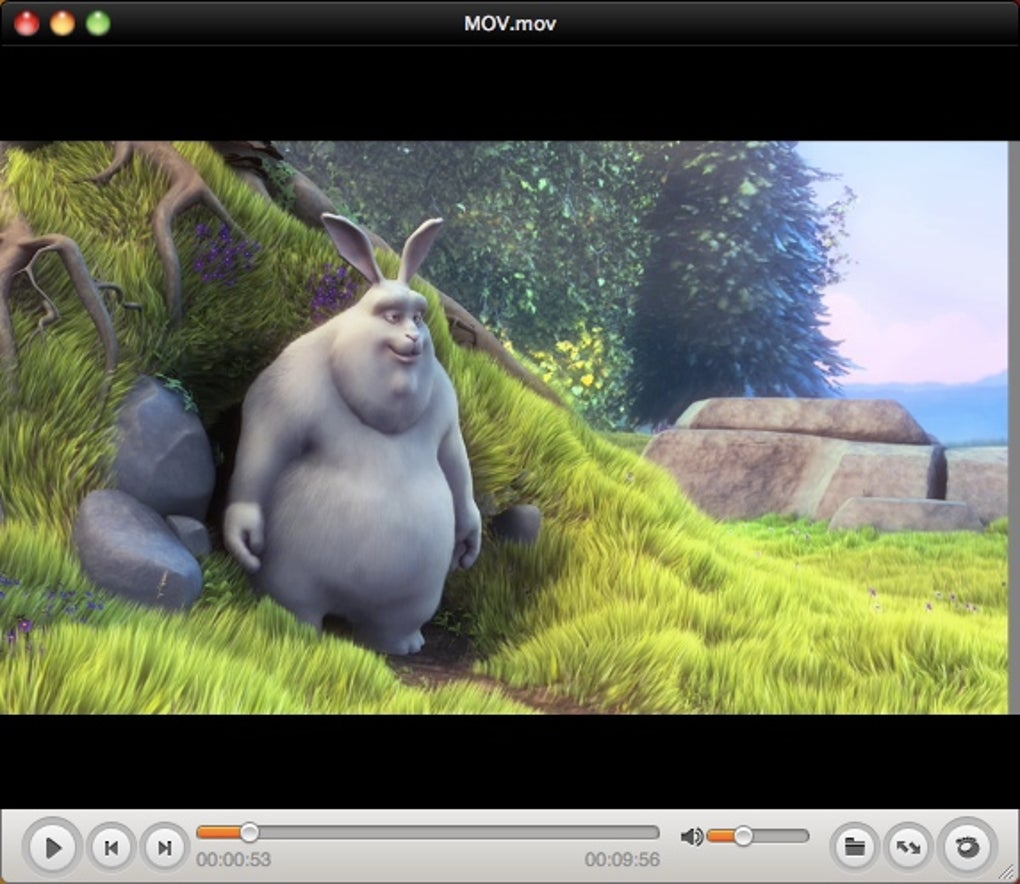
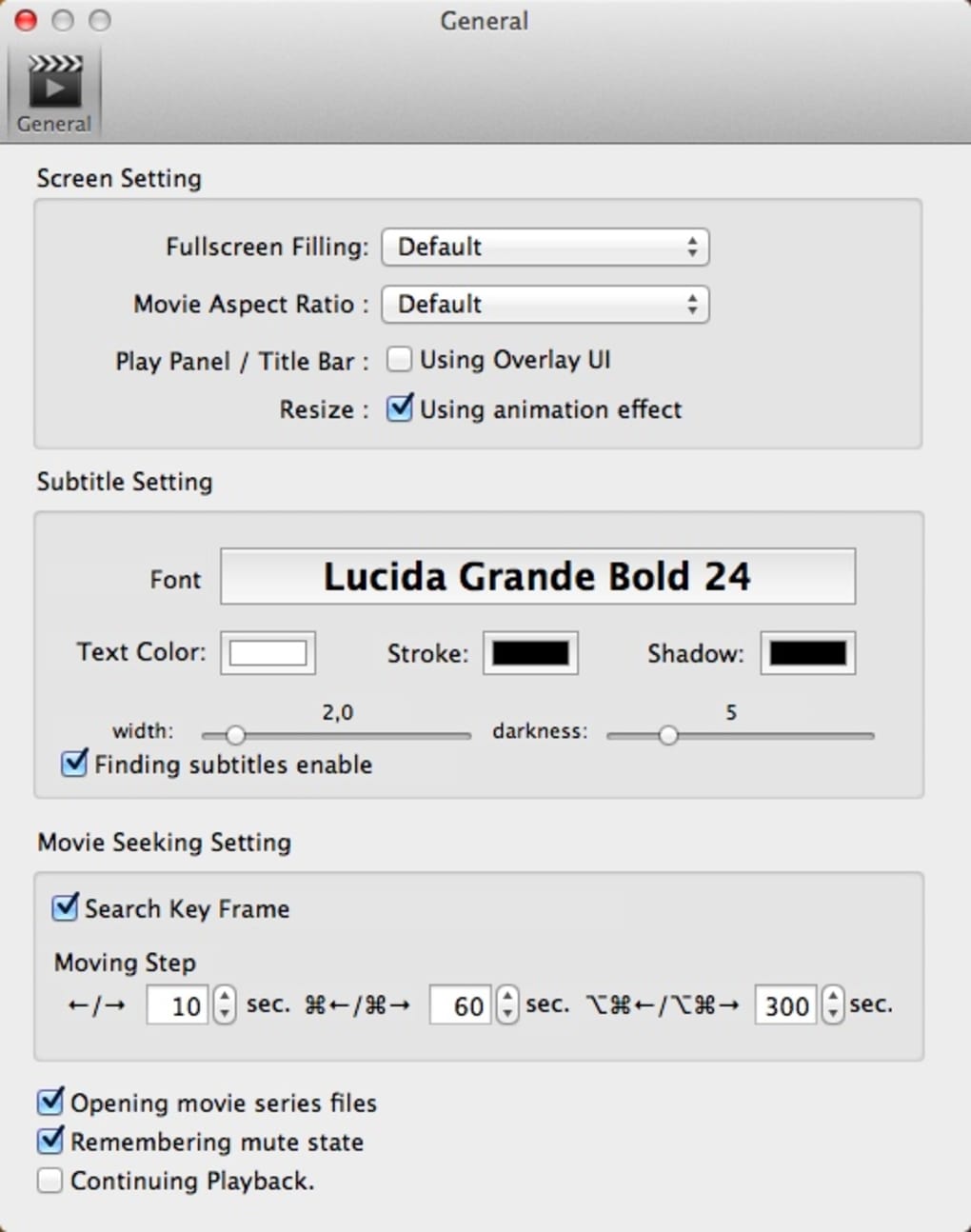
Once installed, launch the player. The default UI appears with a sleek dark theme, a timeline at the bottom, and playback controls on the left. To customize the look, right‑click anywhere on the screen and select Preferences…, then navigate to the Skin tab. A list of available skins lets you switch between classic, modern, and themed designs. Subtitles are added by dragging an .srt file onto the playback window or using the Subtitle option in the Preferences menu, where you can also adjust font size, color, and positioning.
Keyboard shortcuts speed up navigation: press Space to play/pause, ← / → to skip 5 seconds, and Ctrl + F to toggle full‑screen mode. The playlist button (located to the right of the volume bar) opens a pop‑up where you can import multiple files, reorder them by drag‑and‑drop, and save the list for future sessions. For damaged files, simply open the partially downloaded video; GOM Player will attempt to render the playable sections automatically. These intuitive controls make everyday media consumption fast and enjoyable.
Compatibility, System Requirements, and Platform Support
GOM Player is engineered for both Windows and macOS environments. On Windows, it supports 32‑bit and 64‑bit architectures, with the Plus version optimized exclusively for 64‑bit systems to deliver smoother high‑definition playback. Minimum requirements include a 1 GHz processor, 512 MB RAM, and at least 100 MB of free disk space for installation. macOS users need macOS 10.12 Sierra or later, a 1.5 GHz Intel processor, and 1 GB RAM. The application runs seamlessly on Windows 10, 8, 7, and even older Windows XP (though newer versions are recommended for security). GOM Player also offers a portable version that can be run from a USB drive without installation, making it ideal for on‑the‑go use.
The software is regularly updated to stay compatible with the latest codecs and operating system patches. Updates are delivered via an automatic updater that checks for new versions each time the program starts. Users can also manually download the latest installer from the official site. For those concerned about security, each update is digitally signed, and the changelog clearly lists bug fixes, security patches, and new feature additions. This commitment to ongoing support ensures that GOM Player remains a safe, reliable choice for both home and professional environments.
Pros & Cons, Frequently Asked Questions, and Final Verdict
Pros
- Extensive codec support reduces need for external packs.
- Built‑in codec search saves time and effort.
- Ad‑free premium version (GOM Plus) offers enhanced skins and priority support.
- Handles damaged and partially downloaded files gracefully.
- VR 360° playback and snapshot tool add modern multimedia capabilities.
- Highly customizable interface with numerous skins and subtitle options.
- Lightweight footprint; runs well on older hardware.
Cons
- During installation, optional third‑party offers can be confusing for beginners.
- Some users report occasional codec search delays on slower internet connections.
- Mac version lags slightly behind Windows in feature parity (e.g., fewer skins).
- Advanced audio settings are less detailed compared to specialized audio editors.
FAQ – Your GOM Player Questions Answered
Is GOM Player free or do I need to pay for it?
The basic GOM Player is completely free and includes all core playback functions. GOM Player Plus is a paid upgrade that removes ads, adds premium skins, and provides priority technical support.
Can GOM Player play corrupted video files?
Yes. One of GOM’s standout features is its ability to attempt playback of damaged or partially downloaded files, showing the portions that are intact while skipping corrupted sections.
How does GOM Player find missing codecs?
When a file requires a codec that isn’t bundled, GOM Player automatically searches an online codec database, downloads the appropriate files, and installs them temporarily for that session.
Is there a portable version of GOM Player?
Yes, Gretech offers a portable edition that can be run directly from a USB stick without installation, making it ideal for use on public computers or travel laptops.
Does GOM Player support subtitle customization?
Absolutely. Users can adjust subtitle font, size, color, opacity, and positioning via the Preferences → Subtitles menu, as well as choose between different display methods.
Conclusion & Call to Action
In summary, GOM Player delivers a compelling blend of flexibility, ease of use, and advanced capabilities that rival the industry’s most popular players. Whether you need a free, reliable media hub for everyday movies or a premium, ad‑free environment with premium skins, GOM Player has you covered. Its built‑in codec finder, robust subtitle handling, and support for VR content make it future‑proof, while the lightweight design ensures smooth performance on older machines.
For Windows users seeking a powerful alternative to VLC or Media Player Classic, GOM is a top pick; macOS users will also appreciate its clean UI and solid format support, though they may consider the Plus version for a richer experience. Ready to upgrade your media playback? Download GOM Player now and enjoy free, secure, and feature‑rich video playback on your computer today.







